Share Text During a Call: 6 Proven Ways Without Hanging Up
You’re on a phone call, not a video call, just a regular voice call, and you need to give the

Enter PIN to fetch clipboard content instantly.
An online clipboard is a free web tool designed for instant, cross-device text sharing without installing apps or creating user accounts.
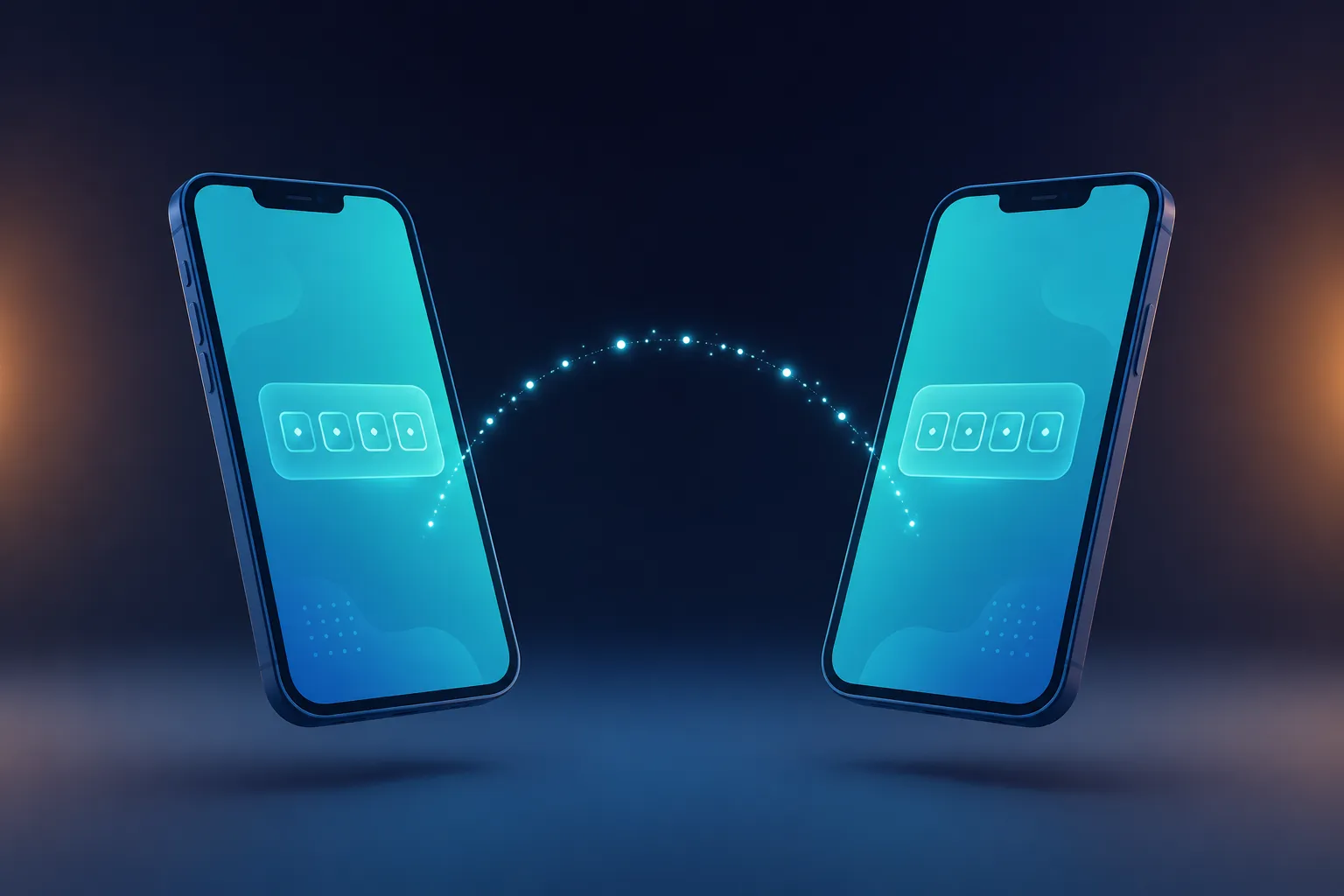
Whether you need to copy a temporary login code or sync draft notes across devices, our cross-device clipboard provides quick text sharing tool capabilities and seamless clipboard sync via a secure 4-digit PIN. Just paste on one device, retrieve on another, and rely on automatic deletion for privacy.
Paste any text, code, link, or OTP into the box above.
Instantly receive a unique 4-digit PIN and QR code.
Enter the PIN on your other device to instantly grab the text.
Every PIN self-destructs after 10 minutes (or your chosen duration). Nothing lingers.
Enable this and the text vanishes the moment it's read. Ideal for OTPs and passwords.
Skip typing the PIN — just scan the QR code from your other device.
IP addresses are hashed with a salt and never stored raw. Sensitive credentials use AES-256 encryption.
5 wrong PIN attempts and that IP is blocked for 15 minutes. No guessing games.
No account, no email, no password to remember. Paste and go.
OTP landed on your phone but you need it on your laptop? Paste it here, grab it there in seconds.
Skip the awkward spell-it-out. Paste the password, share the PIN or QR, done.
Copied a snippet on your phone from Telegram or Stack Overflow? Get it onto your laptop instantly.
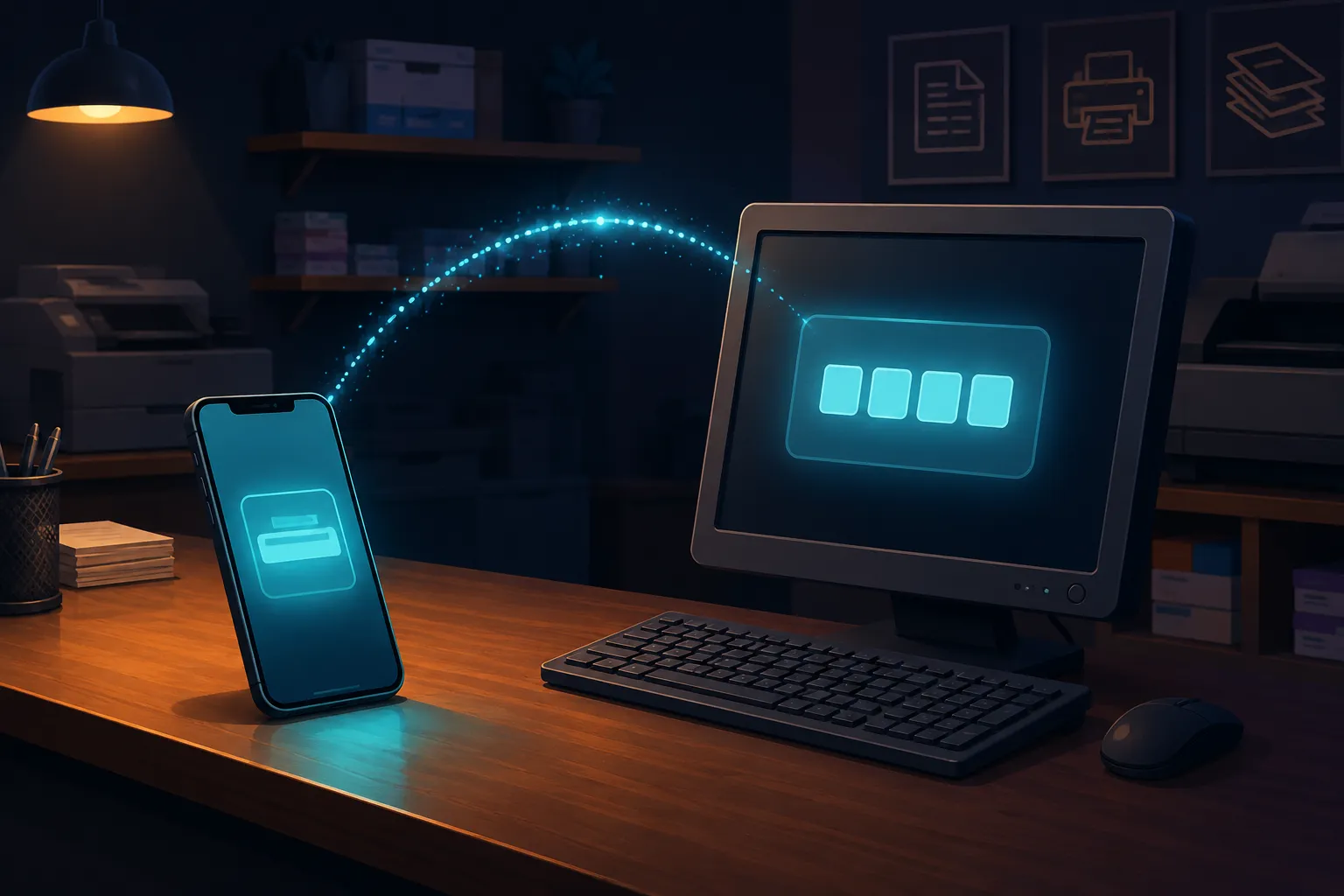
No QR pairing, no logging into accounts on a shared computer. Just PIN it across.

You’re on a phone call, not a video call, just a regular voice call, and you need to give the
Someone asks for your Wi-Fi password, a delivery address, or a quick link, and the only real option on your
You’re standing at a print shop with a form, a resume, or an admit card typed on your phone, and