
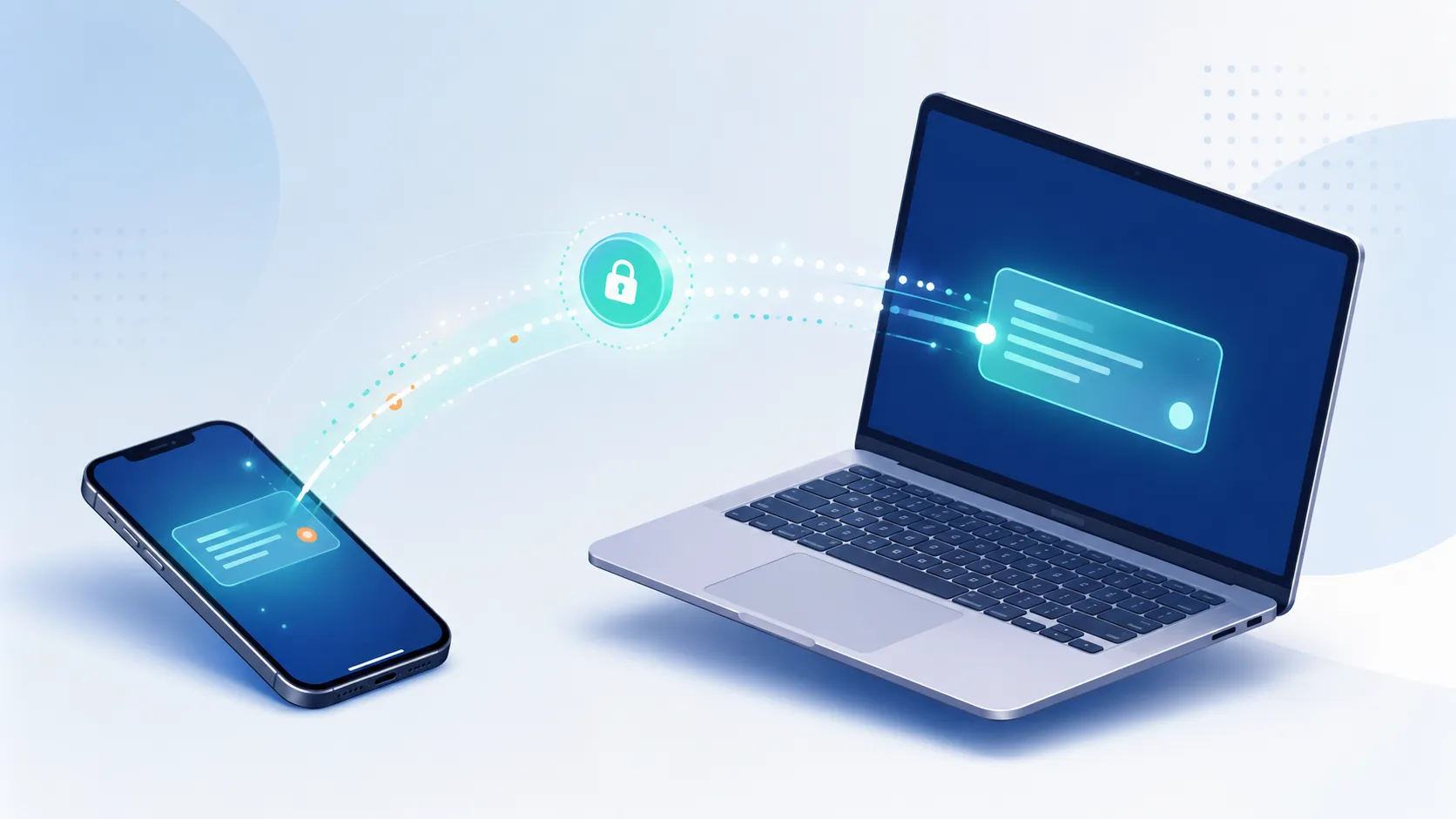
If you’ve ever tried moving a one-time password from your phone to your laptop, or sending a WiFi password to a guest without spelling it out letter by letter, you already know the problem. An online clipboard India users can rely on solves this in seconds, no app installs, no signups, no emailing yourself a text file. You paste your text, get a 4-digit PIN, and grab it on any other device instantly.
This is exactly what Online Clipboard was built to do, and it’s becoming one of the fastest ways Indian users move text, codes, and sensitive information between devices without relying on WhatsApp Web or email.
WhatsApp Web works, but it’s not built for quick, one-off text transfers. You need to scan a QR code, stay logged in, and worry about someone else accessing your chats if you’re on a shared or public computer. That’s a real risk when you’re on a cyber cafe PC or a friend’s laptop, not just an inconvenience.
A dedicated online clipboard tool skips all of that. There’s no account tied to your identity, nothing to log out of, and nothing left behind once your text expires. For students, freelancers, and office workers across India who regularly hop between a personal phone and a work laptop, this small difference saves real time every single day.
Slow WiFi, shared computers, and multiple devices per household are common realities here, and most global text-sharing tools weren’t designed around that. An online clipboard India audience can actually use needs to be lightweight, fast even on average mobile data speeds, and simple enough that a first-time user understands it without a tutorial.
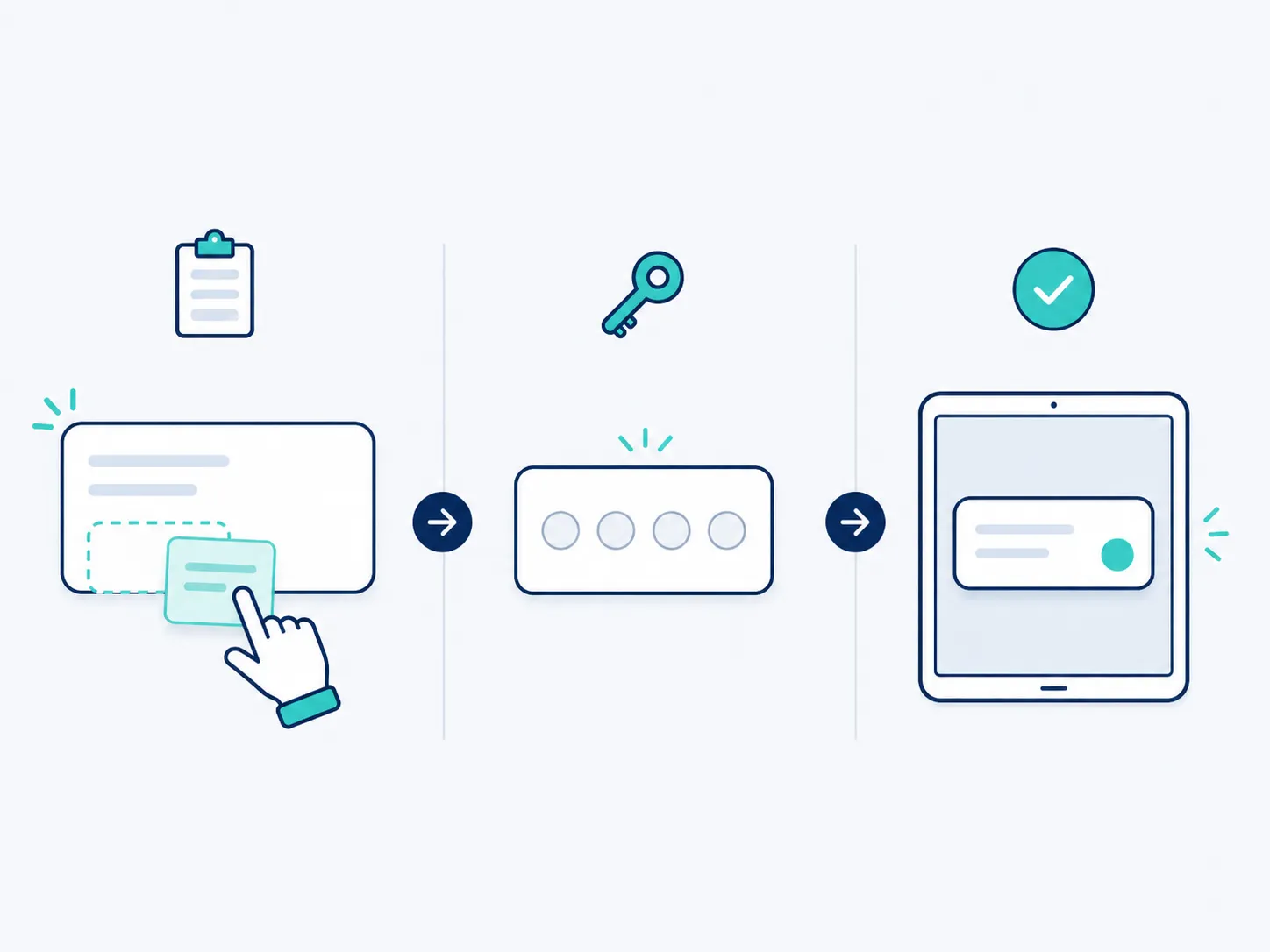
You don’t create an account or hand over an email address. Paste your text, hit generate, done. This matters when you just need to move something quickly and don’t want another app asking for your phone number.
Android, iOS, Windows, or a shared desktop, it doesn’t matter. If it has a browser, it works. No app store downloads eating up storage or mobile data.
Every PIN self-destructs automatically, 10 minutes by default. Nothing sits on a server waiting to be found later, which matters a lot when the text you’re sharing is an OTP or a password.
Turn this on and your text disappears the moment it’s opened once. This is particularly useful for one-time codes, since there’s no reason for that PIN to remain usable after it’s already served its purpose.
Instead of typing a PIN manually, just scan the QR code shown on your first device using your second one. It’s faster and avoids typos, especially useful when you’re switching between a phone and a laptop across a room.
IP addresses are hashed with a salt and never stored raw, and repeated wrong-PIN attempts trigger an automatic lockout, so nobody can brute-force their way into your text. If you want to understand how organizations in India are expected to handle data security more broadly, the Indian Computer Emergency Response Team (CERT-In) publishes public guidance on this.
Most clipboard-style tools online are built with a global, generic audience in mind. This one is built by an independent Indian developer who actually understands the local use cases, shared family devices, patchy college WiFi, cyber cafe logins, and prices it the same way for everyone: free.
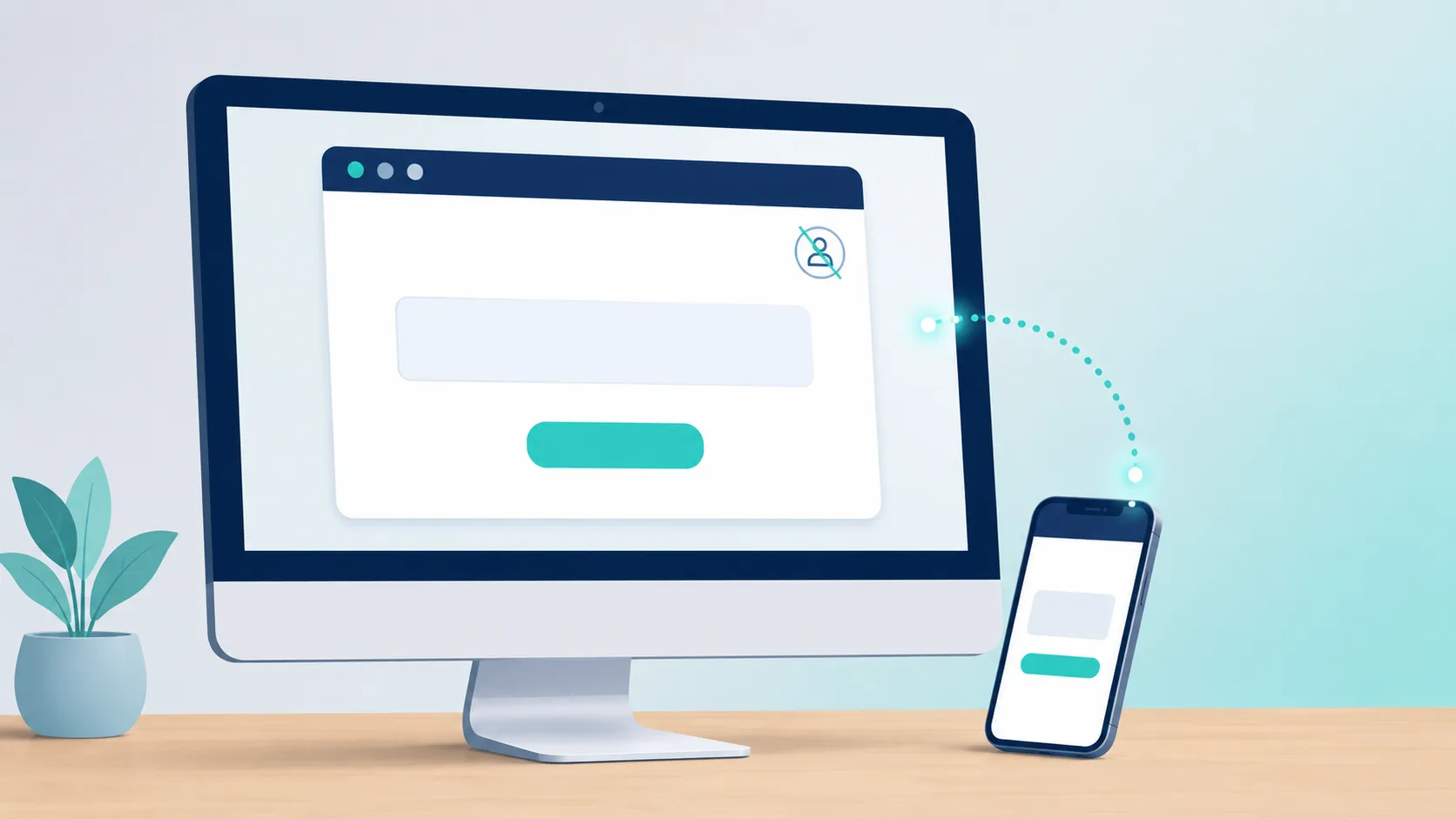
The idea of an online clipboard isn’t new as a computing concept, but pairing it with a PIN-based, cross-device retrieval system built specifically for mobile-first users is what makes this genuinely useful day to day.
Your bank sends the OTP to your phone, but you’re trying to log in on your laptop. Instead of typing six digits under pressure before it expires, paste it once and grab it instantly on the other screen.
Skip the “wait, was that a zero or the letter O” conversation. Paste the password, share the PIN or QR code, and your guest is connected in seconds.
Found a code snippet on Stack Overflow or Telegram while on your phone but need it on your PC? This avoids the awkward email-to-self or the message-yourself-on-WhatsApp workaround entirely.
Yes. Every part of the system is designed around minimal data retention. Your text isn’t stored longer than necessary, IP addresses are never kept in raw form, and repeated failed PIN attempts get automatically blocked. You can read the full breakdown of how the security features work here.
If you’re regularly moving OTPs, passwords, or sensitive links between your own devices, using a purpose-built online clipboard India tool like this is a safer habit than emailing yourself or leaving messages sitting in a WhatsApp chat indefinitely.
Ready to try it? Generate your first PIN here, it takes less time than reading this sentence.