
Share Text During a Call: 6 Proven Ways Without Hanging Up
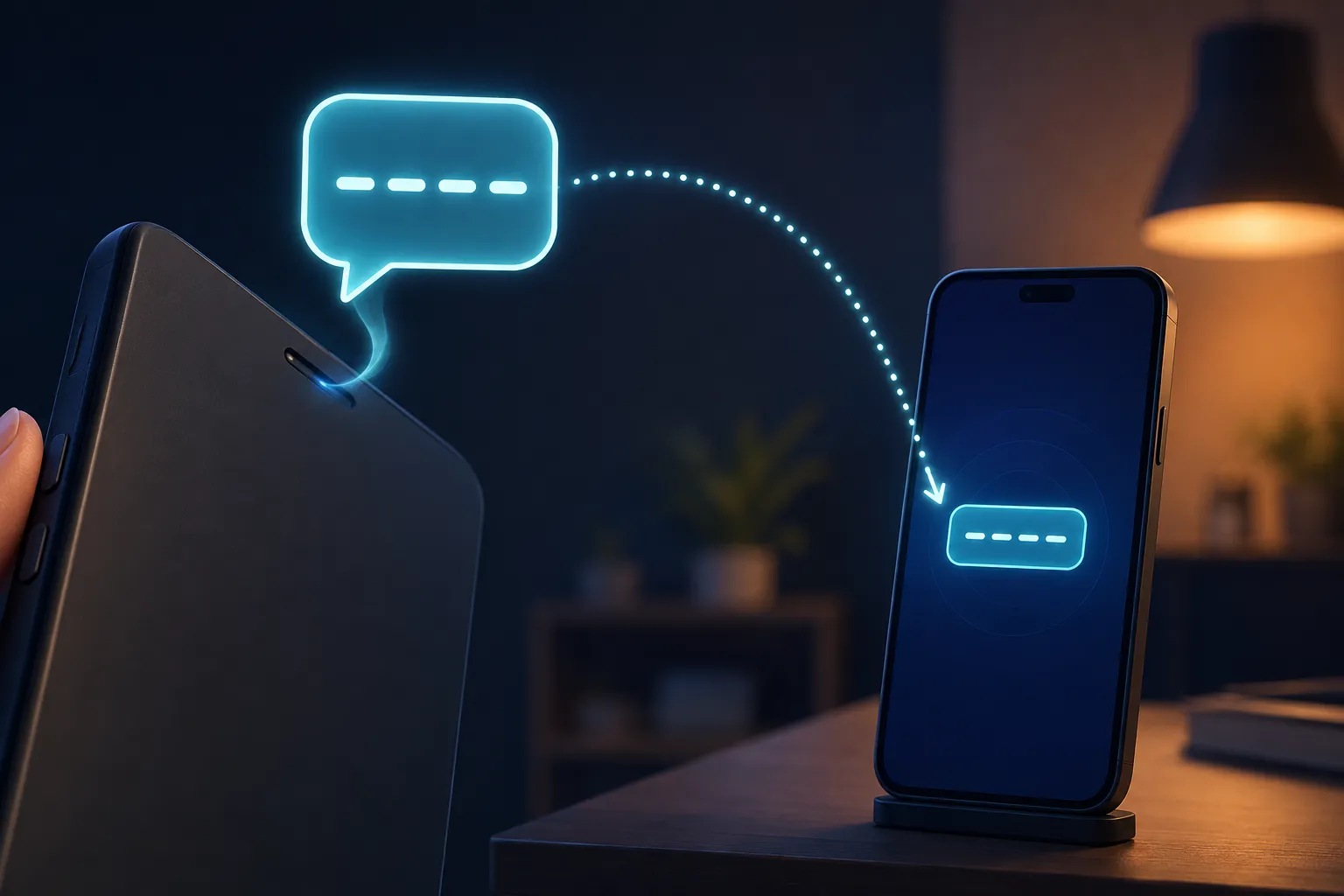
You’re on a phone call, not a video call, just a regular voice call, and you need to give the other person a link, an address, or a long alphanumeric code. Reading it out letter by letter is slow and error-prone, and hanging up to type it into WhatsApp defeats the purpose of being on the call in the first place. This is exactly the gap a PIN-based tool fills when you need to share text during a call without ending it.
Why Reading Text Aloud Doesn’t Work Well
Spelling out a website address, an email, or a reference number over a call is one of the most reliable ways to introduce a mistake. Letters get misheard, numbers blur together, and by the time the other person reads it back to confirm, you’ve spent longer than it would have taken to just send the text. If you regularly need to share text during a call, especially anything with mixed case, symbols, or long strings of digits, voice alone isn’t a great channel for it.
The Fix: A Short PIN You Can Say Out Loud
The easiest way to share text during a call is to paste what you need to send into a browser-based clipboard, which gives you a short 4-digit PIN. You read that PIN over the call, the other person opens the same page on their end, types it in, and the full text appears instantly, still while you’re both talking. A 4-digit number is fast and clear to say out loud, unlike a URL or a long code, which makes it a much better fit for this specific moment than trying to dictate the actual content.
Where This Comes Up Most Often
Customer support calls are the obvious case: an agent needs to send you a reference number, a link to a form, or a troubleshooting step with an exact command in it. Property or real estate calls are another common one, where someone needs to send an address or a document link mid-conversation, which is a textbook case for needing to share text during a call rather than hanging up. Even ordering food or getting directions from a delivery rider often means you need to share text during a call because typing while driving or juggling a bag isn’t realistic.

Texting Instead of Calling
Switching to a text message mid-call means putting the person on hold or hanging up, then typing, then calling back if there’s a follow-up question. It works, but it breaks the flow of the conversation and adds friction that a PIN read aloud avoids entirely, which is really the whole appeal of a tool built specifically to share text during a call.
Speakerphone and a Second Device
If you’re already on speakerphone, you can type on a second device while talking, which is fine if you have one free. Most people don’t have a spare hand and a spare device available at the same time, especially mid-call while also holding notes or driving, so it doesn’t hold up as a reliable way to share text during a call for most people.

Staying Careful About What You Share This Way
Not every call is who it claims to be, and a big part of India’s ongoing telecom-fraud problem starts with someone pretending to be a bank, a delivery service, or support staff over a regular voice call. The Telecom Regulatory Authority of India has been pushing telecom operators toward better caller verification precisely because unsolicited calls asking for sensitive details remain one of the most common fraud patterns. Never share text during a call that includes a password, an OTP, or your card details, even if the tool itself is secure, since the risk at that point is who is asking, not how the text gets sent.
Making the Habit Stick
Once you’ve used a PIN to share text during a call a couple of times, it becomes the default over trying to dictate anything longer than a couple of words. Online Clipboard is built for exactly this: paste, get a PIN, say it out loud, and the text disappears from the system on its own once it’s been read. No app for the other person to download mid-call, no account, and nothing left behind once the conversation ends. Try it from the homepage the next time you’re on a call and need to hand someone more than you can comfortably spell out.