
Public Computer Text Sharing: 6 Effective Ways to Stay Safe (2026)
Why Public Computer Text Sharing Needs Its Own Rules
Cyber cafes, library computers, college lab machines, hotel business centers, these are all places where you might need to get text onto your own phone, but you almost never want to leave anything behind on the machine itself. Public computer text sharing is a different problem from sharing between your own personal devices, because the computer in front of you isn’t yours, and you have no control over what happens to it after you walk away.
Most obvious solutions fail this test immediately. Logging into your email on a shared machine leaves a session behind if you forget to sign out properly. Pasting something into a cloud notepad tied to your personal account does the same thing, quietly leaving a trail. Even a simple search history can reveal what you were doing on that computer long after you’ve already left the building.
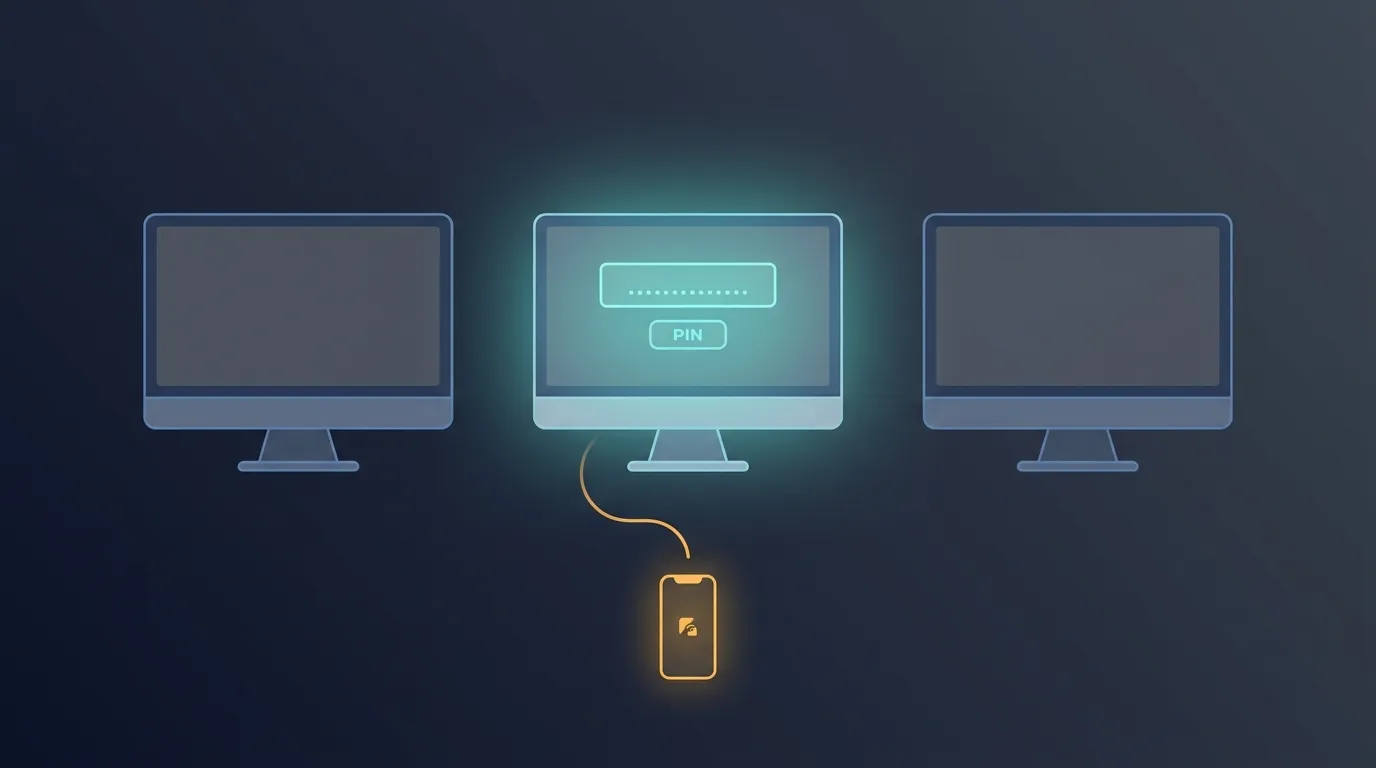
Online Clipboard was built to work cleanly in exactly this kind of situation. There’s no login involved at any point, so there’s no session to accidentally leave active on someone else’s machine. You paste your text, get a 4-digit PIN, and walk away with nothing tying that paste back to an account on that computer, because there was never an account to begin with in the first place. None of this requires remembering to clear cookies, close incognito windows, or manually delete history afterward, since there’s simply nothing tied to your identity generated in the first place for you to worry about cleaning up later.
What Makes It Safe to Use on a Machine You Don’t Own
The core idea behind doing this safely is leaving nothing behind that identifies you or your session. Online Clipboard doesn’t require a login, so there’s no account state sitting in the browser once you close the tab and walk away. Combine that with auto-expiry, by default 10 minutes, and even the paste itself doesn’t sit around waiting to be found by the next person who sits down at that same desk.
There’s also the burn-after-read option, which deletes the paste the moment it’s opened elsewhere. For this kind of situation specifically, that matters more than usual, since you can’t fully trust that the browser history or cache on a shared machine gets cleared properly, or gets cleared at all, once you’re finished and gone. This becomes especially relevant for anyone managing sensitive client work from a co-working space or shared office desk, where multiple people might use the same terminal across a single working day without a dedicated personal login of their own.
Guidance from the Cyber Crime Coordination Centre has repeatedly flagged shared and public computers as a common point of exposure for personal data, precisely because people assume browser privacy settings will handle cleanup that often doesn’t actually happen the way they expect. Public computer text sharing through a tool that never asks for a login in the first place avoids that entire category of risk, rather than depending on you remembering to clear history afterward every single time.
If you’re already comfortable using the tool for things like sharing OTPs between devices or sharing a WiFi password, that same no-login foundation is what makes it work just as well on a machine that isn’t your own.

When This Actually Comes Up in Real Life
Students working in a shared computer lab often need to move an assignment note, a link, or a quick password between the lab machine and their own phone, without wanting that information sitting in a browser history other students might see later. A PIN-based system like this handles that without leaving a trace on the lab machine at all, which is exactly what this is meant to solve.
The same applies to cyber cafes, still common in many parts of India for printing, scanning, or quick browsing when someone doesn’t have a personal laptop handy that day. Needing to grab a piece of text off that machine and onto your phone shouldn’t mean logging into a personal account on hardware you don’t control and won’t be using again after today.
This pairs naturally with the same self-destructing text message behavior people rely on elsewhere, and works alongside the cross device clipboard flow you might already use between your own devices at home. Freelancers between client sites, travelers using a hotel business center, and anyone stuck without their own laptop for a day all run into this same problem eventually. If you regularly find yourself on machines that aren’t yours, head to the Online Clipboard homepage and see how this works without ever needing to log in or clean up after yourself.