
Cross Device Clipboard: 6 Best Tools to Sync Text in 2026

Apple lets you copy on an iPhone and paste on a Mac without thinking about it. Android and Windows users don’t get that same luxury out of the box, which is exactly why so many people go looking for a reliable cross device clipboard that works no matter what phone or laptop combination they’re using.
This guide compares 6 of the most common ways to get a working cross device clipboard, along with which one actually makes sense depending on your setup.
Why Most People Don’t Have a True Cross Device Clipboard
Clipboard syncing usually only works when both devices belong to the same company. An iPhone and a Mac sync clipboards natively because they’re both Apple. The moment you mix an Android phone with a Windows laptop, or an iPhone with a non-Apple computer, that native syncing disappears completely. A proper cross device clipboard needs to work independently of the operating systems involved, not rely on both devices matching.
The Cost of Not Having One
Without a cross device clipboard, people fall back on emailing themselves, messaging themselves on WhatsApp, or worse, manually retyping something they already typed once on another screen. All three options are slower and messier than they need to be for something as simple as moving a sentence or a code from one device to another.
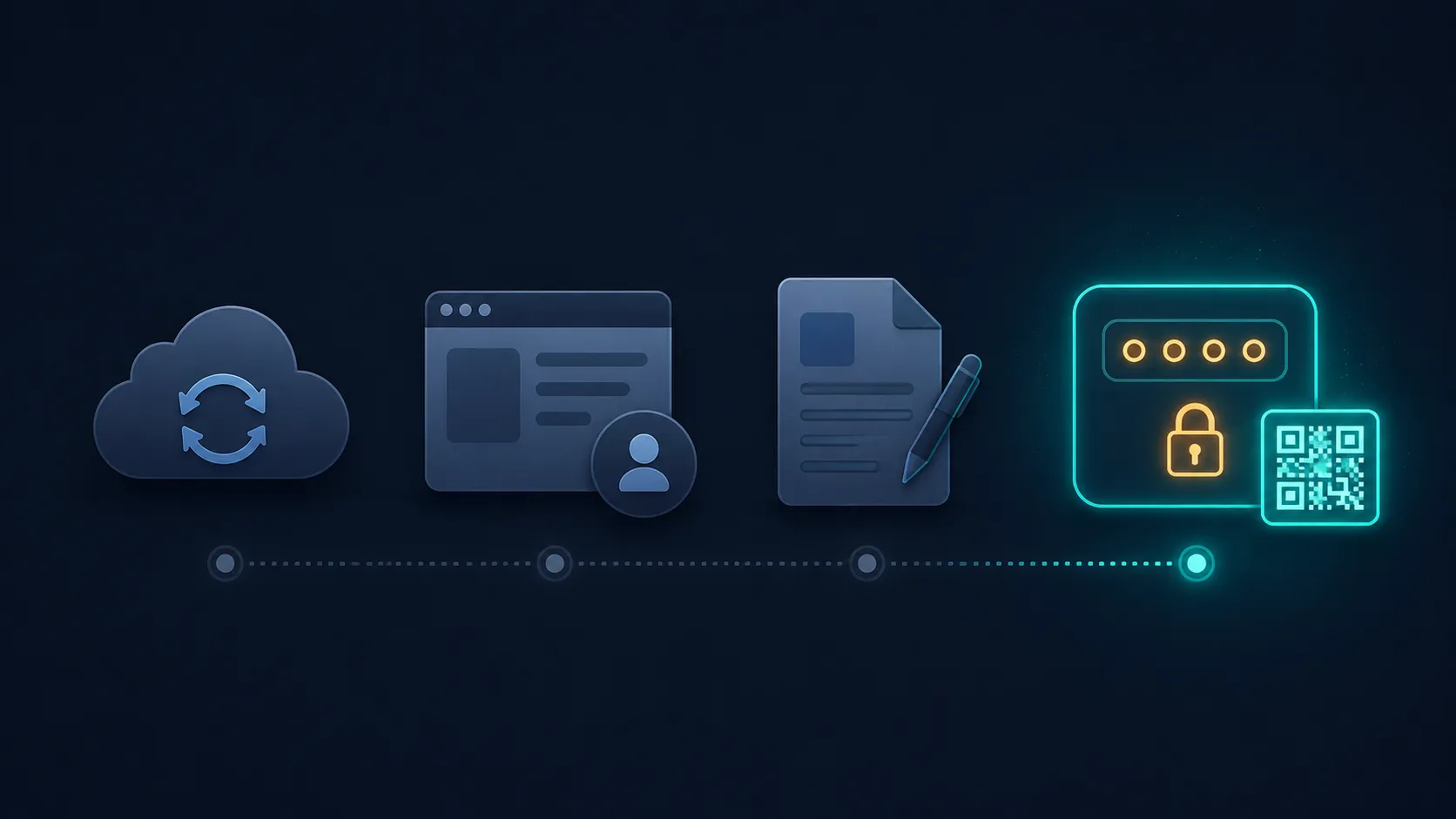
6 Ways to Get a Working Cross Device Clipboard
1. Native Ecosystem Sync
If every device you own is from the same brand, Apple Handoff or similar built-in tools can sync your clipboard automatically. This is the smoothest option, but only if you’re fully locked into one ecosystem.
2. Third-Party Sync Apps
Some apps run in the background on both devices and sync clipboard content continuously. These work well but usually require installation, an account, and ongoing background permissions on both ends.
3. Cloud Notes Apps
Pasting text into a cloud-connected notes app and opening it on another device technically works, though it means your temporary text now lives permanently in your notes history unless you delete it.
4. Browser-Based Sync
Some browsers sync clipboard content if you’re signed into the same account on both devices, but this only helps if you use the same browser everywhere, which isn’t always the case.
5. Paste-and-PIN Tools
A dedicated cross device clipboard tool like Online Clipboard lets you paste text once, generate a short PIN, and retrieve it instantly on any other device with a browser, regardless of operating system or brand.
6. QR Code Handoff
Some paste-and-PIN tools also generate a scannable QR code, letting you skip typing the PIN entirely and just scan it from your other device.

Which Cross Device Clipboard Option Actually Makes Sense?
If every device you use is from the same brand, native sync is genuinely the smoothest option and you should just use it. If your devices are mixed, which is common across India where Android and Windows dominate far more than Apple ecosystems, a paste-and-PIN based cross device clipboard is the most reliable option since it works the same way regardless of brand, operating system, or account.
Is a Cross Device Clipboard Tool Safe to Use?
Yes, as long as it automatically deletes text after a short window and doesn’t require a permanent account tied to your identity. Look specifically for IP-based rate limiting, since that prevents anyone from repeatedly guessing their way into a PIN that isn’t theirs. Basic digital hygiene guidance from resources like the National Cyber Security Centre applies here too, minimize how long anything sensitive sits on a server you don’t control.
A Word on Battery and Data Usage
Third-party sync apps that run continuously in the background do work, but they also consume battery and mobile data even when you’re not actively transferring anything, since they’re constantly checking for changes to sync. A paste-and-PIN based cross device clipboard avoids this entirely since it only activates the moment you actually need it, then does nothing in the background otherwise. For anyone on a limited data plan or trying to preserve battery life on an older phone, this difference is worth considering before installing yet another always-on background app.
A true cross device clipboard shouldn’t care what brand your phone or laptop is. Paste your text, get a PIN, retrieve it anywhere, and let it disappear automatically once you’re done. The same method also works for OTPs, WiFi passwords, and code snippets if you need to move those between devices too. Ready to try it? Generate your first PIN here and use a cross device clipboard that actually works across every device you own.