
Print Text From Phone: 6 Proven Ways to Do It in 2026
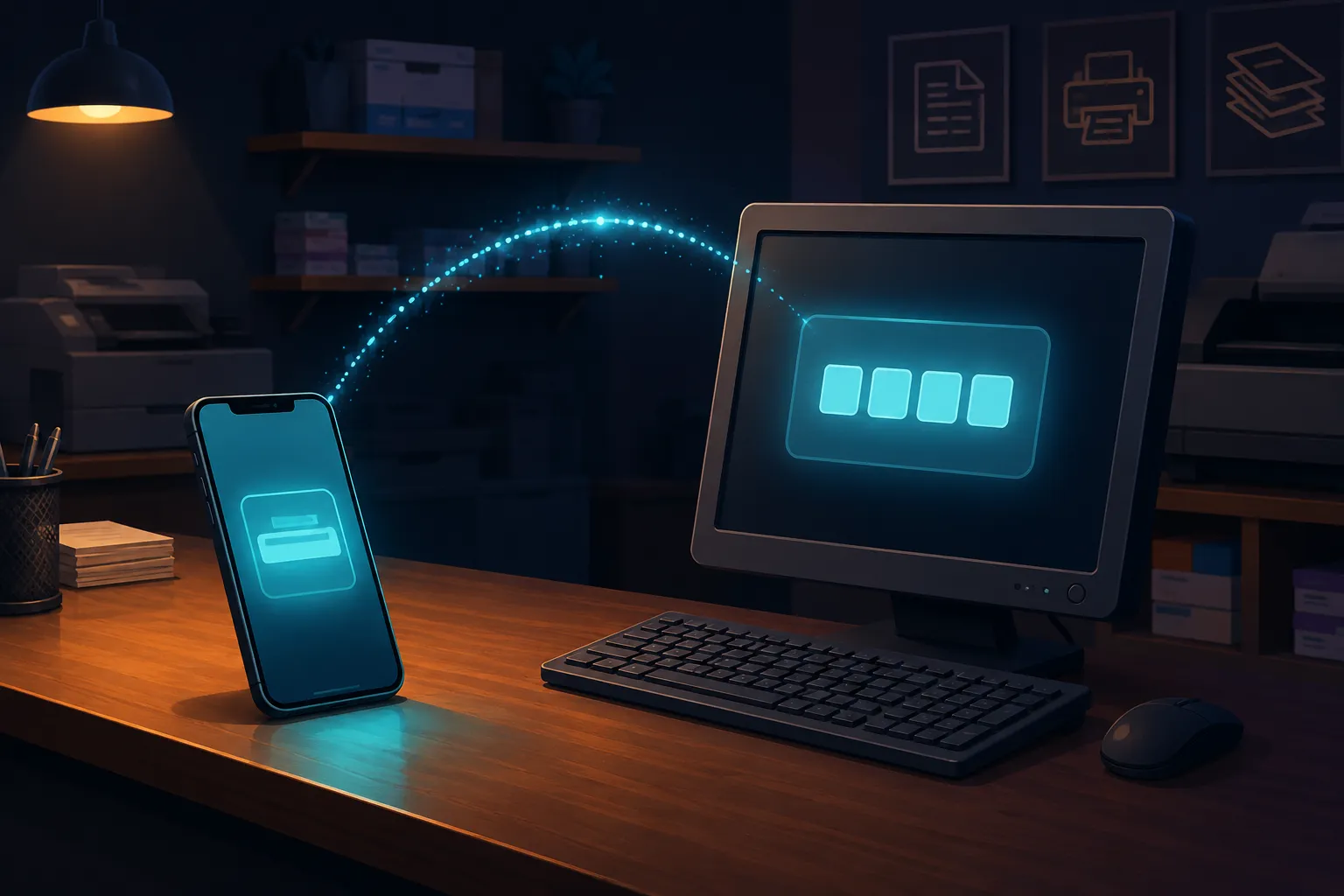
You’re standing at a print shop with a form, a resume, or an admit card typed on your phone, and the shop’s computer doesn’t have Bluetooth, doesn’t know your phone number, and definitely isn’t getting your Google account password. This is the one moment where you actually need to print text from phone fast, without emailing it to yourself first and waiting for the shop’s slow internet to load your inbox.
Why Printing From a Phone Is Harder Than It Should Be
Phones are built to keep you inside their own ecosystem, which is exactly why so many people search for a way to print text from phone and come up empty. AirDrop only works between Apple devices. Nearby Share needs both devices on the same network and awake at the right moment. Bluetooth pairing with a random shop PC is either disabled by the shop or just doesn’t show up. If you want to print text from phone onto a machine you’ve never touched before, you need something that works through a browser, because every PC has one.
The Fastest Way: An Online Clipboard
The simplest way to print text from phone is to paste the text into a browser-based clipboard on your phone, which is the whole point of using an online clipboard to print text from phone in the first place, generate a short PIN, then open the same page on the shop’s computer and enter the PIN to pull the text back up. From there, copy it into Word, Notepad, or wherever the shop actually formats and prints from. No account, no app install on a computer you don’t own, and nothing left behind once the PIN expires.
This matters at a print shop specifically because you don’t want to log into your Gmail or WhatsApp Web on a machine you’re never going to see again. A clipboard that only holds plain text and expires on its own is a much smaller footprint than an inbox full of your actual messages.
Email: The Backup Option Everyone Defaults To
Emailing yourself still works and most people already know how. The catch is speed and exposure. You’re logging into a full account on a shared machine, which means anyone using that PC after you could still be signed in to your inbox if you forget to sign out. If you’d rather skip that risk entirely, a quicker no-signup option is worth trying first, and it avoids the sign-out mistake completely.
USB Drive: Reliable but Requires Planning Ahead
If you already saved the text as a file on your phone and can move it to a USB drive through a file manager app, this works fine, and some print shops actually prefer a file over a browser paste. The downside is you need to have planned for this before you left the house. If you’re standing at the counter with text still sitting in a messaging app, a USB drive doesn’t help you right now, and it won’t help the next time you need to print text from phone on short notice either.
How People Usually Try to Print Text From Phone (and Where It Breaks)
Most people try three things first: texting the file to themselves on a second number, screenshotting and hoping the shop can read an image clearly enough to retype, or hunting for a cable that matches both the phone and the PC. All three waste time standing at a counter. A browser-based clipboard skips every one of those workarounds.
QR Code Retrieval for Long Documents
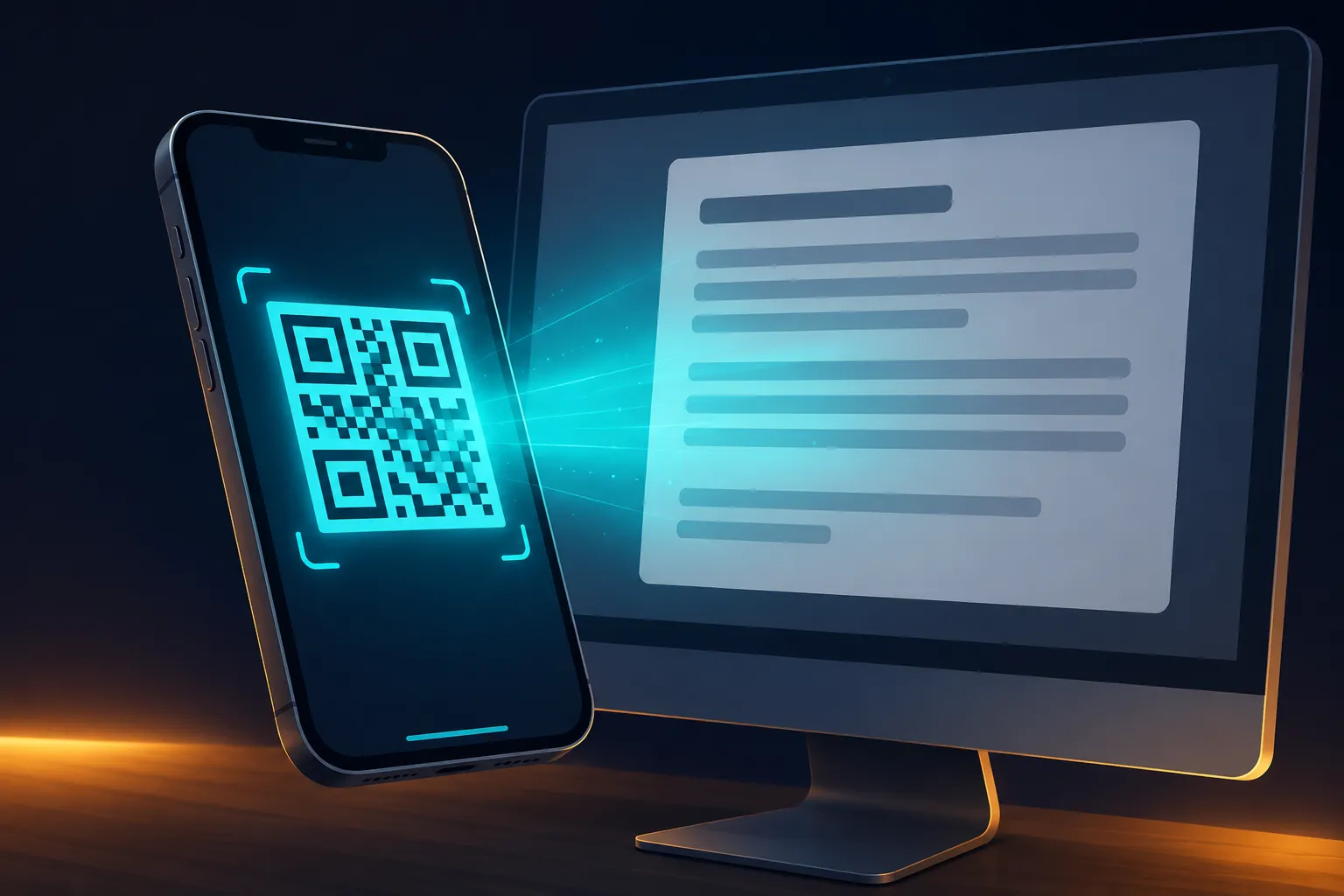
For a longer document, typing a PIN on a shop keyboard that may be missing keys or sticky is annoying. A tool that lets you scan a QR code from your phone to pull the same text up on the shop’s screen skips the typing entirely, which matters more than it sounds when you’re trying to get in and out quickly.
What to Avoid When You Print Text From Phone at a Shared Computer
Never log into a personal account you don’t want left open on a public machine. Avoid pasting anything with a password, an OTP, or a bank reference number into a tool that keeps a permanent history, since you have no idea who touches that PC after you. Common Service Centres, the Indian government’s network of citizen service points that also handle printing and document services, generally recommend clearing any personal data from shared systems before leaving, which is exactly the habit worth carrying over to any print shop, not just government-run ones.
Getting In and Out Without Leaving a Trace
Online Clipboard is built for exactly this kind of moment: paste your text, get a 4-digit PIN, and the whole thing auto-expires by default so there’s nothing sitting on that shop PC after you walk out. IP addresses are hashed rather than logged raw, and repeated wrong PIN guesses get locked out automatically. Next time you need to print text from phone at a shop, cyber cafe, or a friend’s PC, you can paste and retrieve it directly from the homepage in under a minute, no account required on either end.