
Share Text Without Saving Contact: 6 Best Ways in 2026
Someone asks for your Wi-Fi password, a delivery address, or a quick link, and the only real option on your phone is WhatsApp, which means saving their number first. You don’t want a permanent contact for a one-time exchange, and you definitely don’t want your contact list turning into a graveyard of unknown numbers from a food delivery guy or a stranger at a hardware store. This is exactly when you need to share text without saving contact info on either end.
Why Every Chat App Forces You to Save a Number First
Most messaging apps are built around your contact list, not around the message itself. WhatsApp, iMessage, and Telegram all require a saved number before you can start a real conversation, or they route you through awkward workarounds like a temporary chat link that expires anyway. If your only goal is to share text without saving contact details, none of these apps were actually designed for that. They assume every conversation is the start of an ongoing relationship, which most quick exchanges are not.
The Simplest Fix: A PIN-Based Online Clipboard
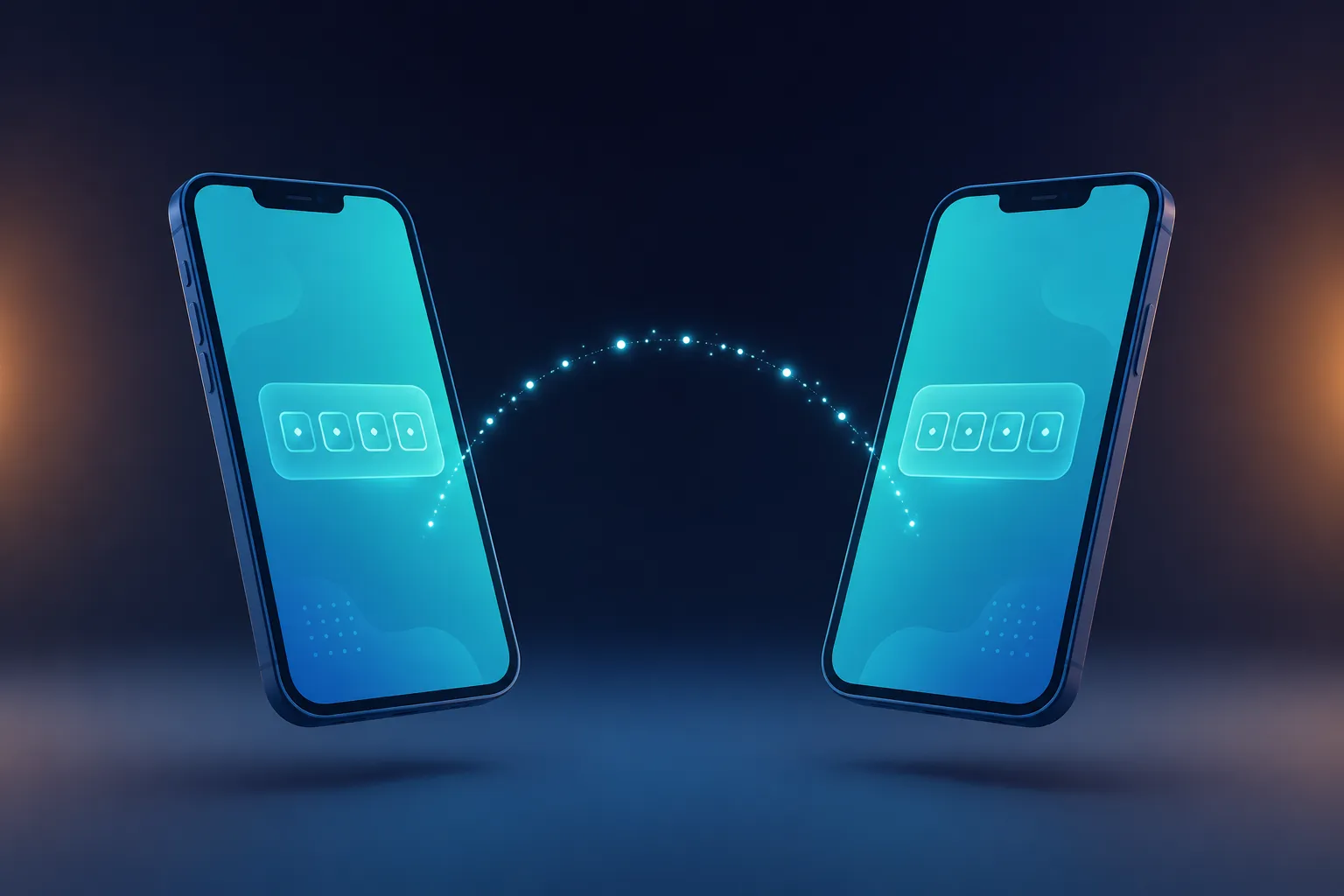
The fastest way to share text without saving contact is to skip messaging apps entirely. Paste your text into a browser-based clipboard, get a 4-digit PIN, and read that PIN out loud or show it on your screen. The other person opens the same page on their own phone, types the PIN, and gets the text instantly. Neither person needs the other’s number, an app, or an account. Once the PIN expires, there’s no trace of the exchange left on either device, which is really the whole point of choosing a way to share text without saving contact details in the first place.
This is where it helps to share text without saving contact for one-off situations, and it works especially well in India, where a huge share of everyday exchanges are one-off: a delivery instruction, a shop’s UPI ID, directions to a house, or a WiFi code for a guest. None of these need a permanent WhatsApp thread attached to them.
WhatsApp’s Temporary Contact Workaround
WhatsApp does let you message a number without saving it, using a “message via link” feature, but it only works if you already know their number and typed it correctly into a URL. It’s clunky for a spontaneous exchange and still routes through an app tied to your own phone number, which defeats the purpose if your goal was to share text without saving contact information on your end either.
Bluetooth or Nearby Share
If both people are standing next to each other, Bluetooth file transfer or Nearby Share can move a text file without any account at all. The catch is both phones need Bluetooth or the right nearby-sharing feature turned on and discoverable, which takes longer to set up than most people expect for something this small.
Showing the Screen Directly
Sometimes the simplest option really is just turning your phone around and letting the other person read or photograph the text themselves. It works for short addresses or codes, but it falls apart for anything longer than a sentence, it means handing your unlocked phone to someone you may not know well, and it still isn’t a real way to share text without saving contact if the exchange needs to happen from a distance.

When Privacy Matters More Than Convenience
If what you’re sharing includes a password, an OTP, or anything you’d rather not leave sitting in a chat history forever, a tool that auto-deletes after one read is safer than any messaging app by default, since chat apps are built to keep a permanent record. India’s Digital Personal Data Protection framework, overseen by the Ministry of Electronics and Information Technology, is built around the idea of collecting and retaining only the data actually needed, which is the same principle behind not saving a stranger’s number just to send them one line of text.
Making It a Habit, Not a One-Off
Once you get used to being able to share text without saving contact details, you start noticing how often you were saving numbers purely out of habit rather than need. A PIN or a QR code covers almost every one-time exchange a saved contact used to handle, without the clutter left behind afterward, and it means you can share text without saving contact details every single time instead of only when you remember to. Online Clipboard keeps this simple on purpose: no sign-up, auto-expiring PINs, and nothing stored that ties the exchange back to either phone number. Try it from the homepage next time you need to hand someone a code, a link, or a note without adding them to your contacts at all.