
WhatsApp Web Alternative: 7 Powerful Reasons to Switch in 2026

Scanning a QR code, staying logged into a browser tab, and hoping nobody else touches that computer before you log out, this is the routine most people go through just to send themselves a short piece of text. If you’re only trying to move a quick message, code, or password between devices, a proper whatsapp web alternative gets it done in a fraction of the time without any of that friction.
This guide covers 7 reasons a dedicated whatsapp web alternative works better than WhatsApp Web for quick, one-off text transfers, along with exactly when WhatsApp Web still makes sense instead.
Why People Look for a WhatsApp Web Alternative
WhatsApp Web was built for ongoing conversations, not quick one-time transfers. Every time you use it just to message yourself a note, you’re logging into your full chat history on whatever device you’re using, which isn’t ideal on a shared or public computer. A proper whatsapp web alternative skips all of that and focuses purely on the one thing you actually needed, moving a short piece of text from one screen to another.
The Real Risk of Using WhatsApp Web on Shared Devices
If you scan the QR code on a library computer, a hotel business center PC, or a friend’s laptop, your entire chat history stays accessible on that device until you manually log out. Most people forget this step, and it’s one of the most common reasons people search for a safer whatsapp web alternative in the first place.

7 Reasons a WhatsApp Web Alternative Works Better
1. No Login Session Left Behind
A dedicated whatsapp web alternative built for one-time text transfer doesn’t require logging into anything. There’s no session to forget to close, and nothing tied to your identity remains on the device afterward.
2. Faster for Single Messages
Opening WhatsApp Web, scanning a QR code, finding your own chat, and typing a message takes far longer than pasting text and generating a PIN. For a single short message, this speed difference adds up quickly. Online Clipboard does this in a few seconds.
3. Works Without a Phone Nearby
WhatsApp Web requires your phone to stay connected and nearby at all times. A standalone whatsapp web alternative works independently of any other device being present.
4. Nothing Sits in a Permanent Chat History
Messages sent to yourself on WhatsApp remain in that chat thread indefinitely unless manually deleted. A proper text sharing tool automatically expires the content instead.
5. No Contact List or Account Required
You don’t need a phone number, an account, or anyone in your contacts to use it. Paste your text, generate a PIN, done.
6. Better Suited for Sensitive Information
For OTPs, passwords, or anything time-sensitive, an auto-deleting whatsapp web alternative closes the exposure window automatically instead of relying on you to remember to delete a message later.
7. Works the Same Way Every Time
No re-scanning QR codes when your session expires, no reconnecting your phone, no waiting for sync. The process is identical every single time you use it.
When WhatsApp Web Still Makes Sense
WhatsApp Web is still the better option for actual ongoing conversations, sending photos within a chat thread, or anything involving back-and-forth messaging with another person. A whatsapp web alternative isn’t meant to replace that, it exists specifically for quick, private, one-off text transfers where starting an entire chat session would be overkill.
Is a WhatsApp Web Alternative Actually Safer?
Yes, provided it’s built correctly. Look for automatic expiry, no permanent account requirement, and protection against repeated PIN-guessing attempts. According to general digital privacy guidance from organizations like the Electronic Frontier Foundation, minimizing how long sensitive data persists anywhere is one of the simplest ways to reduce your exposure if a device is ever lost or accessed by someone else.
A Quick Comparison at a Glance
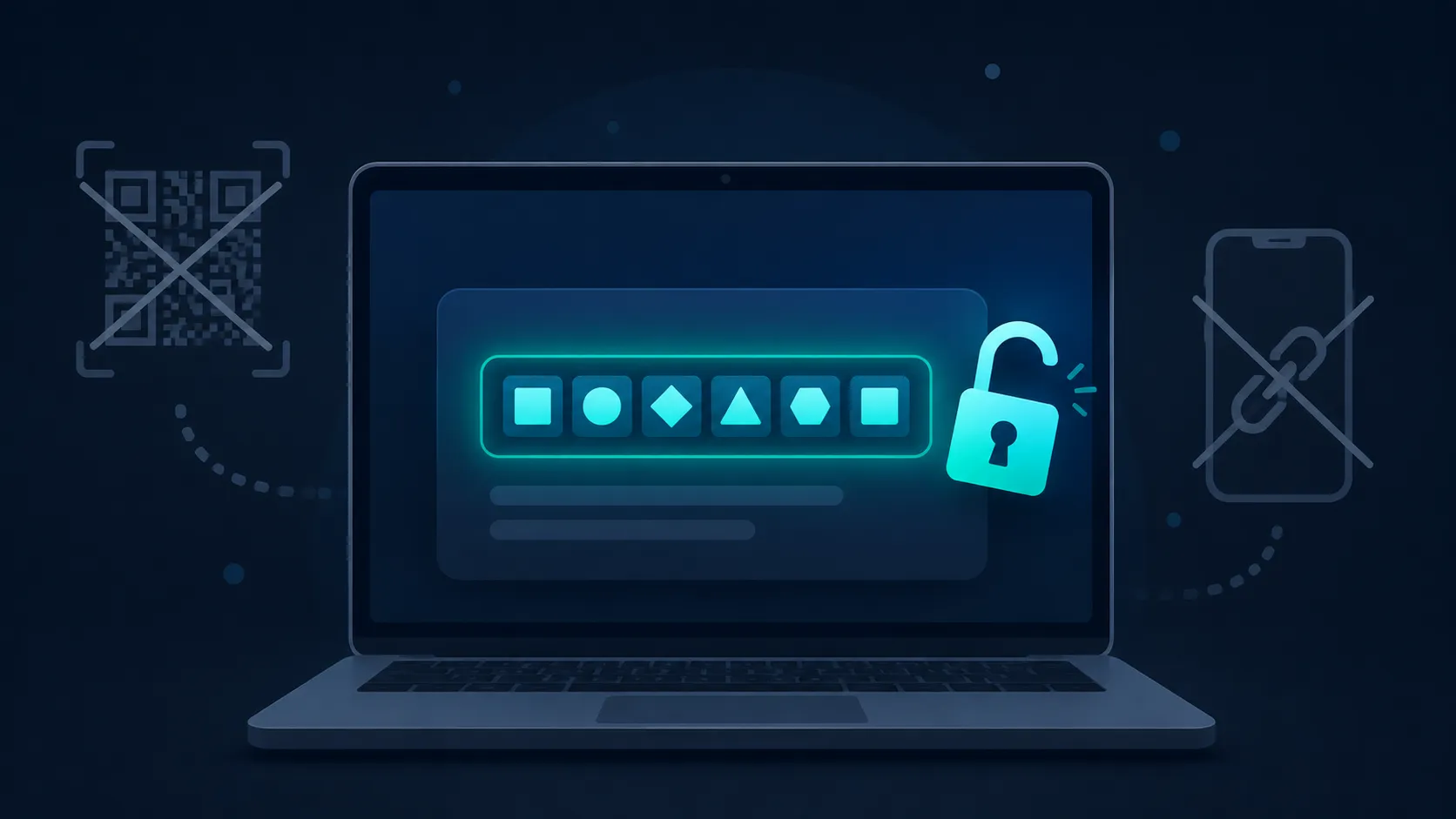
WhatsApp Web needs your phone connected, a QR scan, and an active login session that can linger on shared devices. A dedicated whatsapp web alternative needs none of that, you paste text, get a PIN, and retrieve it elsewhere, with nothing left behind once it expires. For anything beyond a casual chat, that difference matters.
If you’re tired of QR codes and lingering login sessions just to send yourself a quick note, a purpose-built whatsapp web alternative solves it in seconds. The same tool also works for sharing OTPs, WiFi passwords, and code snippets using the exact same method. Ready to try it? Generate your first PIN here and skip WhatsApp Web entirely for your next quick text transfer.